




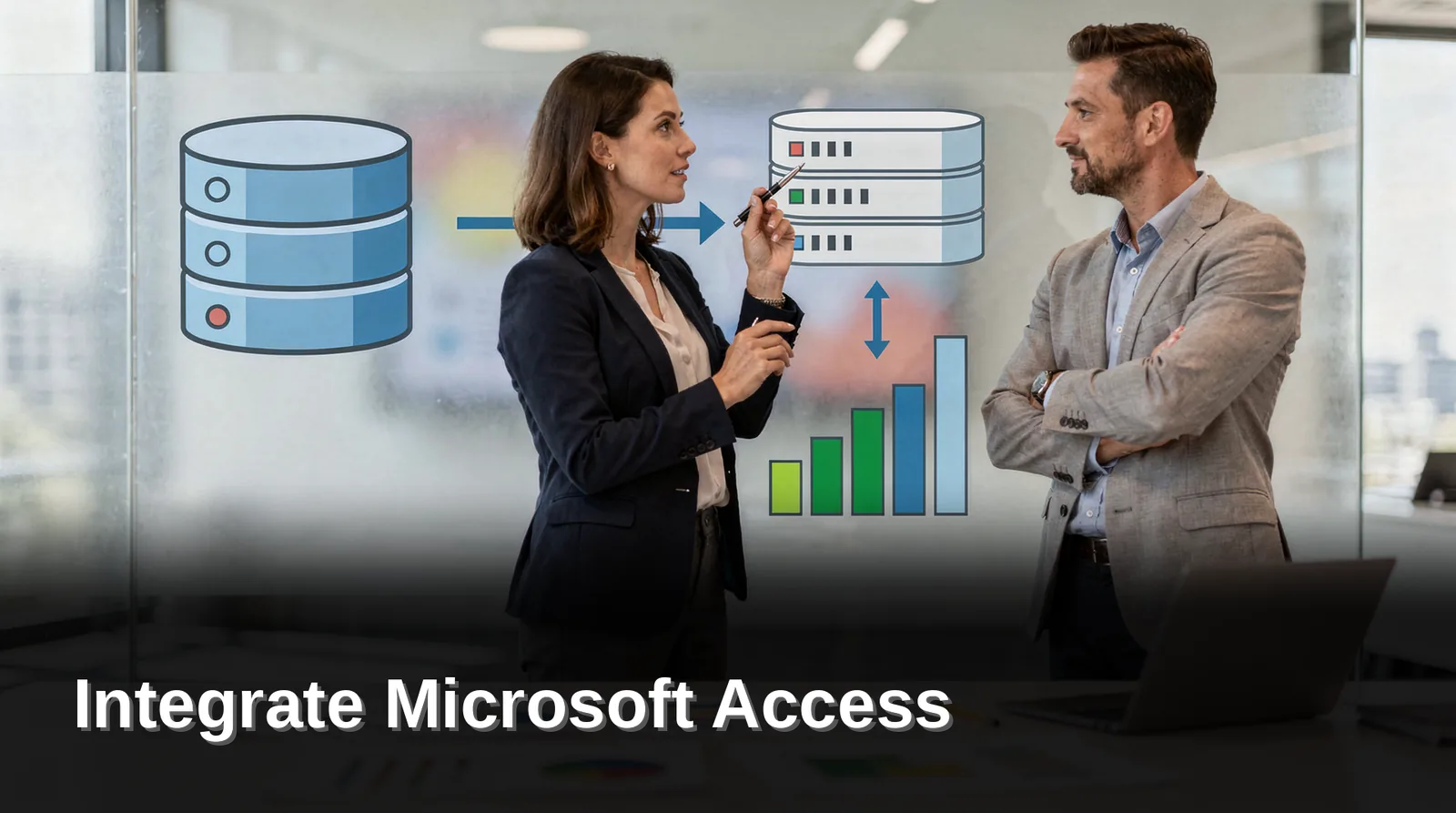
Integrating Microsoft Access with QuickBooks requires middleware like QBox, Web Connector, or custom APIs. Direct native connections do not exist. Desktop versions demand local file handling; QuickBooks Online uses REST APIs. Data mapping errors and sync timing are common pitfalls. Help4Access specializes in building reliable, auditable bridges between these platforms.
Introduction: Why Businesses Integrate MS Access with QuickBooks
Businesses integrate Microsoft Access QuickBooks integration to eliminate duplicate data entry between operational systems and accounting. Help4Access unlocks your Microsoft Access database from costly on-premise infrastructure, giving you complete control of your data and making it available throughout your organization. Without integration, staff re-key the same transactions twice. That double work introduces errors, wastes hours, and delays financial close.
The cost of manual re-entry compounds quickly. A single typo in an invoice amount or customer name cascades into reconciliation headaches. Teams lose confidence in both systems. We see operations managers spending Fridays manually cross-checking Access reports against QuickBooks registers. That time belongs to analysis, not data transfer.
What does connecting Access to QuickBooks actually solve?
Connect Access to QuickBooks Online or Desktop, and the integration synchronizes transactions automatically. An invoice created in your Access application posts to QuickBooks without anyone opening the accounting software. Payments recorded in QuickBooks flow back to update customer balances in Access. The integration becomes the single source of truth.
How does integration stop double entry in QuickBooks?
To stop double entry QuickBooks workflows, the integration maps fields between systems once. After mapping, every transaction moves through a defined path. Help4Access brings over 250 senior technical consultants to these projects. We design integrations that match your exact business logic, not a generic template. The result is a unified system where operational data and financial records stay perfectly aligned.

Architectural Realities: QuickBooks Desktop vs. QuickBooks Online
QuickBooks Desktop and QuickBooks Online operate on fundamentally different architectures. These differences dictate every integration path available for a Microsoft Access QuickBooks integration. Choosing the wrong approach wastes months of development effort.
QuickBooks Desktop runs as a single-tenant, on-premise application. It stores data in a local proprietary database file. Integration relies on COM/SDK interfaces that require the application to be installed and running on the same machine. This local execution model creates tight coupling between your Access front end and the accounting engine.
QuickBooks Online is a multi-tenant cloud SaaS platform. It exposes RESTful endpoints secured by token-based authentication. We offer a complete range of services designed to transition your on-premise database to the cloud. The API provides stateless access to accounting objects from any network location.
Intuit has been steering new customers toward QuickBooks Online. This product direction shapes long-term support and feature investment. Organizations still on Desktop face a shrinking ecosystem of compatible tools.
How does the architecture affect connecting Access to QuickBooks Online?
To connect Access to QuickBooks Online, we bypass local file dependencies entirely. Our developers call REST endpoints directly from VBA using HTTP requests. Token-based authentication replaces the COM object model. This approach works across distributed teams without installing QuickBooks on every machine.
What makes QuickBooks Desktop ODBC Access integration different?
QuickBooks Desktop ODBC Access integration requires a local bridge component. The QODBC Access driver translates SQL queries into COM calls against the running Desktop application. This driver must reside on the same Windows machine as both QuickBooks and your Access front end. Network latency and multi-user conflicts become immediate constraints.

Integration Paths for QuickBooks Desktop
Three proven paths connect a Microsoft Access application to QuickBooks Desktop, and each one trades setup effort against transactional control. Choosing the wrong path costs weeks of rework and leaves duplicate records flowing between your management system and your accounting file. We match the path to the data volume and the write frequency your operation demands.
QuickBooks Desktop ODBC Access through the QODBC Access driver presents QuickBooks tables as SQL-style linked tables inside Access. Read and write operations carry different trade-offs, so we scope write behavior carefully before deployment.
QuickBooks API Access database work relies on the QuickBooks SDK and QBXML. This path gives transactional control through a request-response architecture, and we use it when every posted transaction must be validated and acknowledged.
File-based batch exchange rounds out the set. We build IIF and CSV import/export routines that move invoices and customer records in scheduled batches, a practical fit for lower-frequency transfers.
Which path handles high-volume transaction posting?
The SDK and QBXML path handles high-volume posting best. Each request returns a response, so our integration confirms every transaction before the next one queues. That request-response architecture protects ledger accuracy when posting volume climbs.
Can we start with batch files and migrate later?
Yes. We often launch with IIF and CSV routines to stop double entry QuickBooks quickly, then migrate to a driver or SDK path as volume grows. The 7 Circles of Excellence methodology sequences that migration without disrupting daily accounting.
Integration Paths for QuickBooks Online
Connecting an Access application to QuickBooks Online requires a different architecture than the desktop file-based approach many teams already know. Intuit’s object-based interface, which integrates cleanly with VBA, does not exist for the Online edition. That gap forces a choice between two viable paths, and picking the wrong one costs development weeks.
Option 1: Intuit Developer REST API with OAuth 2.0. This path calls the QuickBooks Online API directly from your Access application. OAuth 2.0 token refresh becomes the hard part: we either handle token refresh inside MS Access VBA or route calls through lightweight serverless middleware such as Azure Functions. The middleware approach keeps credentials out of the front end and simplifies maintenance.
Option 2: Third-party iPaaS and managed connectors. Managed integration platforms and connectors offer an alternative route that avoids single-vendor lock-in. We evaluate these trade-offs without single-vendor bias, weighing cost, latency, and long-term support against the direct API path.
How do we stop double entry between Access and QuickBooks Online?
We map each Access form field to its QuickBooks Online entity before writing any code. Then we build the sync so invoices, customers, and job details flow once, in one direction, with a logged audit trail. This design stops double entry in QuickBooks and preserves data integrity.
What prerequisites does the API path require?
We confirm three items before development starts: an Intuit developer account with OAuth 2.0 credentials, a defined token refresh strategy, and a staging company file for testing. Teams planning a platform refresh should review our upgrade guidance first. For cloud-based integration, we also convert MS Access or MySQL to MS SQL Azure, delivering a complete cloud solution built on Microsoft’s platform.
Core Technical Trade-offs and What to Watch
Every Microsoft Access QuickBooks integration forces a fundamental architectural choice. A one-way unidirectional push is simpler to build and maintain. Complex bidirectional synchronization demands conflict resolution logic that grows brittle over time. We see teams underestimate this decision and pay for it in unrecoverable staff hours.
What is the real cost of choosing bidirectional sync over one-way push?
Bidirectional sync between Access and QuickBooks creates a permanent maintenance burden. Every field mapping requires rules for which system wins when data conflicts. Schema divergence and accounting period closures introduce edge cases that break automated workflows. Our 7 Circles of Excellence methodology evaluates these trade-offs before a single line of code is written.
What technical failure points break Access-to-QuickBooks integrations most often?
Three failure patterns dominate our remediation work. First, transaction locking stalls data writes when multiple users access the same QuickBooks company file. Second, network timeouts and API rate limits throttle batch operations mid-stream. Third, batch error recovery fails silently, leaving partial data commits that corrupt financial records. Each of these issues compounds when teams attempt to stop double entry QuickBooks workflows without proper error-handling architecture.
The path forward depends on your tolerance for operational risk. We recommend starting with a clearly defined one-way push, validating data integrity for 30 days, and only then evaluating whether bidirectional sync justifies its ongoing complexity.
Frequently Asked Questions (FAQ)
Can sync frequency be scheduled or run in real time?
Sync frequency depends entirely on the integration method. A QODBC Access connection typically polls on a schedule, while a QuickBooks API Access database integration supports near-real-time webhook triggers. We configure the approach to match transaction volume and latency tolerance.
What happens when migrating from QuickBooks Desktop to Online?
Migrating from Desktop to Online requires full data conversion and re-authentication. The object-based approach that integrates cleanly with VBA does not carry over to QuickBooks Online. We rebuild the connection layer using the QuickBooks API Access database pattern with OAuth 2.0 token management, which demands automated refresh logic to prevent authentication failures.
Why do multi-user lockups occur with ODBC connections?
Multi-user lockups happen when an ODBC connection accesses a Desktop company file without proper record-locking. Access creates .laccdb record-locking files to manage concurrent users. Without coordinating these locks, simultaneous reads and writes corrupt data or freeze sessions. Our 7 Circles of Excellence methodology includes lock-management protocols that eliminate this risk.
How do we stop double entry between Access and QuickBooks?
To stop double entry QuickBooks workflows, we establish a single source of truth. Invoices, payments, and customer records flow automatically between systems. The integration method, whether QuickBooks Desktop ODBC Access or a cloud API, determines the exact architecture. We design the sync so your team never keys the same data twice.
How Help4Access Helps
Help4Access delivers calm, proven Microsoft Access QuickBooks integration without disrupting the workflows your team depends on. We are a Microsoft Solutions Partner and MS Access specialists with years of experience. Our team has supported close to 800 accounts, from mid-market businesses to Fortune 500 enterprises. That depth of experience means we have seen nearly every integration scenario and know what breaks before it breaks.
What does Help4Access actually do to connect Access to QuickBooks Online?
We follow a structured, transparent process built on our 7 Circles of Excellence methodology. Every engagement moves through these phases:
- Architecture review. We map your current Access schema, QuickBooks entity model, and data flow to identify sync conflict points before a single line of code is written.
- Custom sync pipeline engineering. We build the integration layer using the right connector for your environment, whether that is QuickBooks Desktop ODBC Access, QODBC Access, or the QuickBooks API Access database pathway.
- Validation and handoff. We run parallel reconciliation against live data, document the pipeline, and transfer full ownership to your team with zero long-term lock-in.
How does this stop double entry QuickBooks permanently?
The sync pipeline eliminates manual rekeying by mapping Access transactions directly to QuickBooks records. Invoice data, customer details, and payment entries flow automatically. Your staff stops switching between screens and starts trusting a single source of truth.
Conclusion: Next Steps for Your Systems
A Microsoft Access QuickBooks integration roadmap begins with an honest architectural assessment. We evaluate your current Access application structure, QuickBooks version, and data flow requirements. This evaluation identifies the fastest path to stop double entry QuickBooks workflows that drain staff hours and introduce reconciliation errors.
What should we assess before choosing an integration method?
We examine three factors first. Your QuickBooks edition (Desktop or Online) determines available connection protocols. The complexity of your Access forms and reports shapes whether a direct QuickBooks Desktop ODBC Access connection suffices. Transaction volume and multi-user needs influence whether QODBC Access middleware or a QuickBooks API Access database rebuild delivers better long-term reliability.
How do we start the modernization process?
- Schedule a discovery consultation where we map your current architecture.
- Our team documents every Access object, QuickBooks transaction type, and integration point.
- We deliver a prioritized roadmap with cost estimates and a phased implementation timeline.
- The 7 Circles of Excellence methodology governs each phase, from initial audit through post-migration validation.
Organizations that delay this evaluation accumulate technical debt silently. Each month of manual rekeying compounds data integrity risk. Our team brings decades of Access-to-QuickBooks integration experience to your project. Schedule your discovery consultation today: https://go.oncehub.com/Help4Access.
Conclusion
The decision to integrate Access with QuickBooks requires a clear-eyed assessment of your tolerance for operational risk and a commitment to a single source of truth. Start with a one-way push, validate data integrity for 30 days, and only then evaluate whether bidirectional sync justifies its ongoing complexity.