




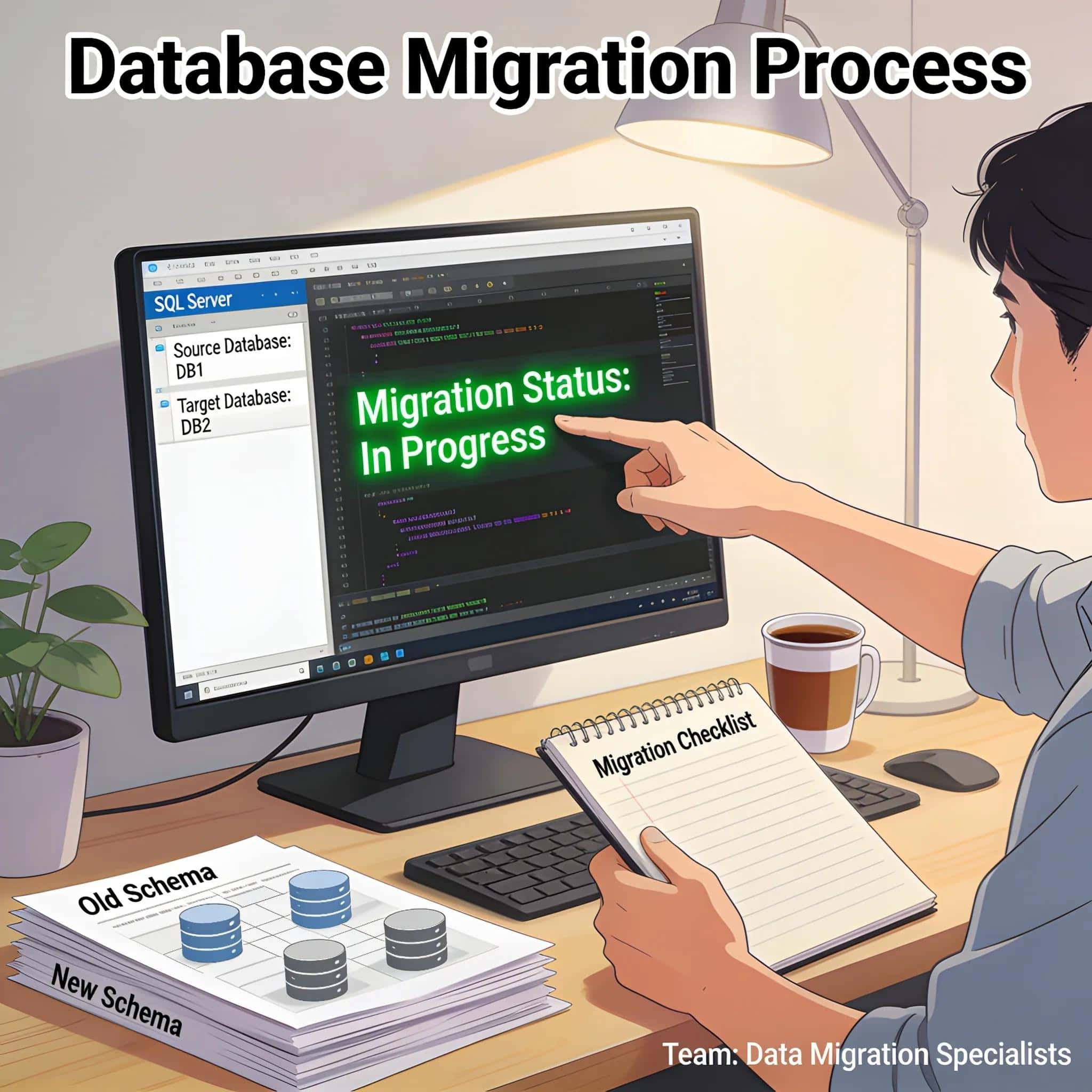
Migrate Microsoft Access To SQL Server Safely: Expert Guide to Best Practices and Performance Optimization
Migrating a database from Microsoft Access to SQL Server can seem daunting, yet it offers significant benefits. This guide will provide comprehensive insights into the reasons for migration, essential pre-migration steps, and best practices to ensure a successful transition. SQL Server offers advanced features that enhance data integrity, performance, and security, helping businesses to scale and manage their data effectively. Understanding the process, benefits, and potential challenges of migration enables users to harness the full capabilities of SQL Server. This article covers crucial aspects, including why to choose SQL Server, necessary pre-migration actions, step-by-step migration best practices, post-migration performance optimization, and security measures to keep data safe.
Why Choose SQL Server for Microsoft Access Migration?
Migrating to SQL Server is a strategic decision for organizations seeking improved database performance and reliability. SQL Server enhances data storage and management capabilities, allowing for better handling of larger datasets with improved efficiency.
What are the key business benefits of migrating Access databases to SQL Server?
Migrating to SQL Server provides several advantages, including:
- Cost Efficiency: By centralizing data management in SQL Server, businesses can reduce costs associated with data duplication and infrastructure maintenance.
- Increased Performance: SQL Server offers superior query optimization and indexing capabilities, leading to faster data retrieval and processing.
- Enhanced Security: Advanced security features, including robust user access controls and encryption, protect sensitive information effectively.
These benefits culminate in a more effective data management strategy, pivotal for organizations aiming for growth and improved operational capabilities.
How does SQL Server enhance performance and data integrity post-migration?
Post-migration, SQL Server significantly elevates performance and data integrity through optimized transaction handling and data access speeds. SQL Server supports complex queries efficiently, allowing businesses to derive insights quickly. For instance, metrics often show improvements in query response times can reach up to 90% when compared with Access. Moreover, SQL Server implements robust mechanisms for data integrity, ensuring that discrepancies are minimized, thereby safeguarding the reliability of analytical data.
Migrating Access to SQL Server: Expert Best Practices by Help4Access
Before initiating migration, careful planning and checks are essential for ensuring data safety and integrity. A pre-migration checklist helps in systematically addressing each critical area.
Which preliminary assessments and backups ensure data safety before migration?
Key checklist items include:
- Full Database Backups: Always perform complete backups of the Access database to prevent data loss during migration.
- Normative Assessment Procedures: Evaluate existing data models and relationships to identify potential pitfalls during the migration process.
- Contingency Planning: Create a rollback strategy in case the migration fails, allowing for quick restoration of access without data loss.
These assessments help maintain data safety and prepare the database for migration.
How to map Microsoft Access data types accurately to SQL Server equivalents?
Correctly mapping data types is crucial to prevent compatibility issues. Some important matchups include:
- Text Fields: Map to nvarchar in SQL Server for better Unicode support.
- Numeric Fields: Use corresponding types such as int or decimal.
- Date Fields: Prefer datetime in SQL Server to handle date and time formats efficiently.
Maintaining accurate type mapping mitigates risks associated with data corruption and ensures smoother functionality post-migration.
What Are the Step-by-Step Best Practices for Safely Migrating Microsoft Access to SQL Server?
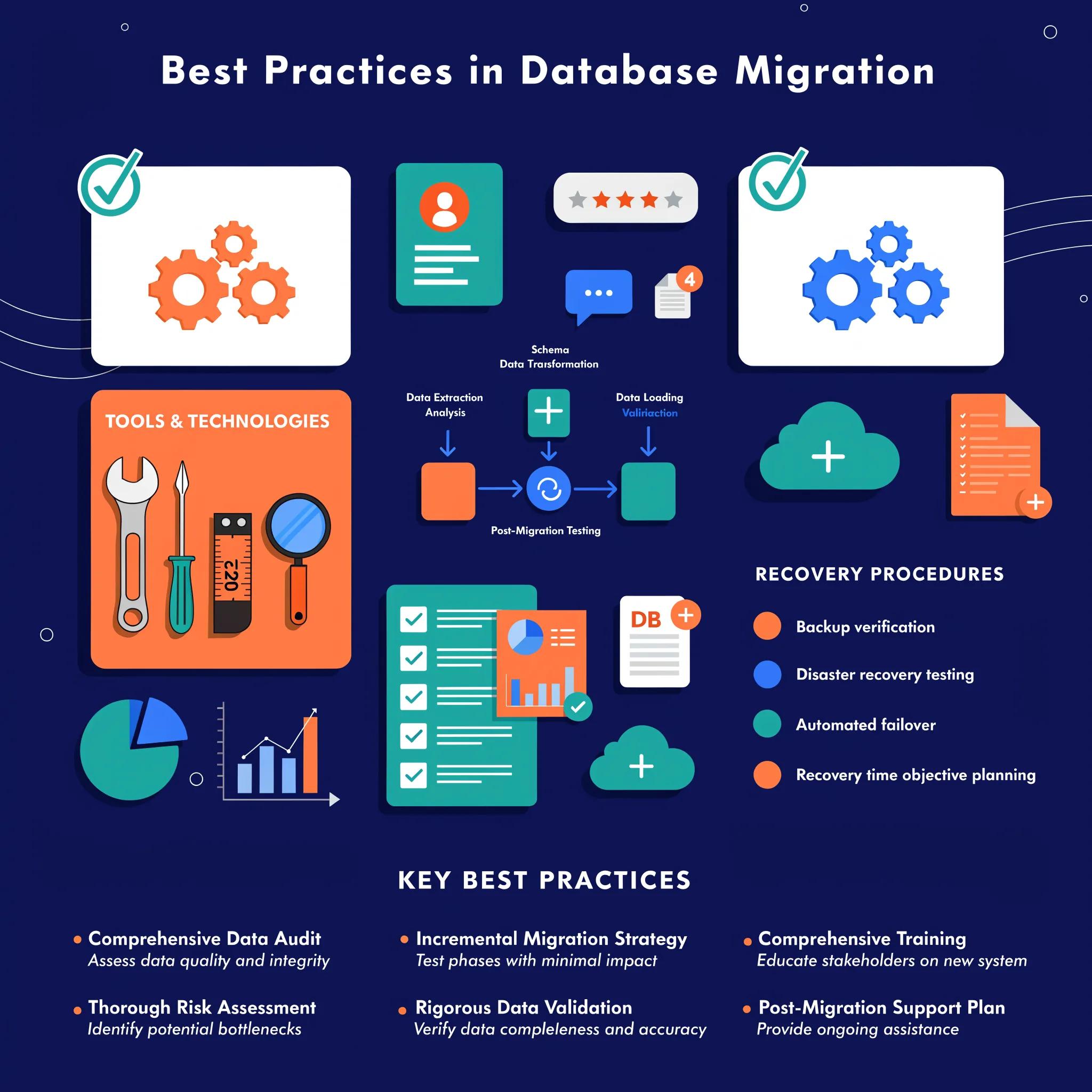
Following a systematic approach during migration maximizes effectiveness and minimizes risks associated with data loss and integrity issues.
Which migration tools and automation techniques ensure efficiency and minimize risk?
Utilizing appropriate migration tools is vital. Popular options include:
- SQL Server Migration Assistant (SSMA): This tool automates the migration process from Access to SQL Server, simplifying data transformation and schema conversion.
- Data Migration Assistant (DMA): Identifies compatibility issues and provides insights into potential migration blockers.
- SQL Server Integration Services (SSIS): Facilitates complex data transformations during migration.
These tools enhance the efficiency of the migration process and help manage risks effectively.
How to validate data and maintain integrity throughout the migration process?
Data validation should focus on several critical areas, such as:
- Post-Migration Data Checks: Conduct integrity checks to ensure that data has been accurately transferred and that no components were missed.
- Data Comparison: Utilize checksums or other methods to compare pre- and post-migration data.
- User Acceptance Testing: Engage end-users for feedback on database performance and data accessibility.
Implementing these strategies aids in preserving data integrity throughout the migration.
How Can Post-Migration Performance Be Optimized in SQL Server?

Once migration is complete, optimizing SQL Server’s performance is crucial for maintaining high data processing speeds and efficient queries.
What performance tuning techniques improve SQL Server responsiveness after migration?
Key techniques include:
- Index Optimization: Implement proper indexing strategies to enhance query performance significantly.
- Query Optimization: Analyze and refine slow-running queries to improve their execution times.
- Regular Maintenance Plans: Set up maintenance tasks like indexing and statistics updates to keep the database optimized.
These strategies ensure that SQL Server remains responsive and efficient in handling queries.
How to monitor and mitigate common database migration risks post-transition?
Continuous monitoring is crucial post-migration. Common risks include:
- Performance Bottlenecks: Regularly analyze performance metrics to identify and address potential issues swiftly.
- Data Corruption Risks: Implement database snapshots and backups to recover from unanticipated data loss or corruption.
- Security Vulnerabilities: Conduct routine security audits to ensure compliance with all security standards and practices.
By addressing these risks proactively, organizations can ensure smoother operations and data management.
Which Security and Compliance Measures Are Critical During and After Migration?
For secure database management, implementing robust security measures is essential during and after the migration to SQL Server.
How to implement data security controls in SQL Server after migration?
Implement the following security measures:
- Access Control Strategies: Set up user permissions based on role to ensure that only authorized personnel can access sensitive data.
- Encryption Methods: Utilize encryption for data both at rest and in transit to protect against potential breaches.
These controls are critical in maintaining security across the database ecosystem.
For more detailed strategies on protecting sensitive information, the following resource dives deeper into SQL Server’s comprehensive security features, including authentication, encryption, and access control.
SQL Server Security and Compliance: Authentication, Encryption, and Access Control
This chapter shifts the focus to the crucial area of security and compliance within SQL Server databases. Recognizing that sensitive data requires robust protection, this chapter explores a range of security measures that businesses can employ. We begin by examining the core layers of SQL Server authentication, starting with the foundational concepts of logins and database users, and then diving into the specifics of Windows and SQL Server authentication. The chapter moves on to cover different ways to manage user access, including server-level roles. We will examine Transparent Data Encryption (TDE), which allows data protection at rest. Then we will explore data protection during transmission using Always Encrypted. Finally, we will discuss Row-Level Security (RLS), a feature that allows for granular access controls. This chapter emphasizes that building a strong security posture requires a multi-faceted approach involving both administrative controls and features built into SQL Server. Security and Compliance, 2026
What regulatory compliance standards must be considered during the migration?
Organizations must adhere to various regulations, including:
- GDPR: For organizations handling customer data in the EU, ensuring compliance with data protection laws is a must.
- HIPAA: For healthcare-related data, maintaining compliance with regulations regarding patient information is critical.
Understanding and following these compliance standards protects organizations from legal repercussions and enhances customer trust.
What Frequently Asked Questions Address Common Migration Challenges?
Addressing common queries can clear up confusion regarding the transition process and help prepare organizations for potential challenges.
How do you troubleshoot common errors encountered during Access to SQL Server migration?
Common issues and resolutions during migration include:
- Compatibility Issues: Use the Data Migration Assistant to identify and rectify any discrepancies in data types or schemas.
- Data Loss During Transfer: Implement backup strategies and perform dry runs to minimize unexpected losses.
- Performance Problems: Monitor the database after migration and adjust indexing based on performance analytics.
By proactively addressing these challenges, organizations can navigate the migration process more smoothly.
Which factors determine the choice between manual versus automated migration methods?
Choosing the right migration method depends on several factors:
- Cost Analysis: Manual migrations may initially appear cheaper, but automated tools can save time and reduce errors in the long run.
- Time Efficiency Comparison: Automated tools expedite the migration process considerably compared to manual methods, which can be time-consuming.
- Suitability Based on Factors: The complexity and size of the database will influence whether manual or automated methods are more suitable.
Understanding these factors can guide organizations in selecting the most effective migration approach.