





Migrating MS Access to PostgreSQL or Supabase requires careful planning for schema translation and business logic re-architecture. We have modernized mission-critical Access systems, including LifeWatch’s PaceArt cardiac monitoring application, which supports over 50,000 patients.
Why migrate MS Access to PostgreSQL or Supabase?
Microsoft Access is not being discontinued. Microsoft continues to include Access in Microsoft 365 and the latest perpetual version, Access LTSC. However, older versions are reaching end of support, and major new features are no longer being added. Organizations that delay migration risk running unsupported database infrastructure. That risk compounds when the application underpins revenue operations or patient care.
We see this pattern repeatedly. A department-built Access application grows into a mission-critical system over years of organic use. The original developer leaves. Documentation is sparse. The database file approaches the 2 GB size limit. Performance degrades. At that point, the question shifts from “should we migrate” to “how fast can we execute this safely.”
What makes PostgreSQL a stronger foundation than Access?
PostgreSQL delivers capabilities that Access cannot match at scale. Row-level security, over 40 extensions, and native JSON support come standard. Access enforces referential integrity at the application layer. PostgreSQL enforces it at the engine level. That architectural difference eliminates entire categories of data corruption risk.
Why consider Supabase instead of self-hosted PostgreSQL?
Supabase builds on PostgreSQL as its core engine. It adds authentication, instant APIs, and real-time subscriptions without additional infrastructure. For teams that want PostgreSQL’s power without managing servers, Supabase removes the operational burden.
The Microsoft Access end of life conversation is really about support timelines. Access LTSC has a defined support window. After that window closes, security patches stop. For regulated industries, that timeline makes the migration decision urgent.

What prerequisites do you need before starting?
A successful Microsoft Access to PostgreSQL migration demands three concrete prerequisites. Skipping any one of them introduces data loss risk and extends project timelines. Every engagement begins with these same foundational checks.
What database file formats do you need to inventory?
Access databases use two primary file formats. The .accdb format applies to databases created in newer versions of Access. The older .mdb format covers earlier systems. Missing a legacy .mdb file buried on a departmental share drive causes incomplete migrations and orphaned data.
How do you configure the ODBC driver correctly?
PostgreSQL connectivity requires the correct ODBC driver. Install the 32-bit driver for 32-bit Access installations and the 64-bit driver for 64-bit Access. A mismatch here blocks the connection entirely. We verify the Access bitness first, then match the driver version. This step takes minutes but prevents hours of troubleshooting later in the migration pipeline.
How do you extract and map Access schemas to PostgreSQL?
Extracting and mapping Microsoft Access schemas to PostgreSQL requires a structured approach. Schema mismatches between the two platforms cause data loss, broken relationships, and stalled migrations. Without a methodical extraction process, teams lose weeks to manual rework and introduce errors that compromise downstream reporting.
What tools handle bidirectional Access-to-PostgreSQL schema conversion?
DBConvert is one third-party option among several, alongside pgloader and custom scripts, providing means to import and export data between Access and Supabase covering both directions. The same download loads data into Supabase and pulls it back out. This bidirectional capability matters when validation requires round-trip testing.
What are the prerequisites before extracting an Access schema?
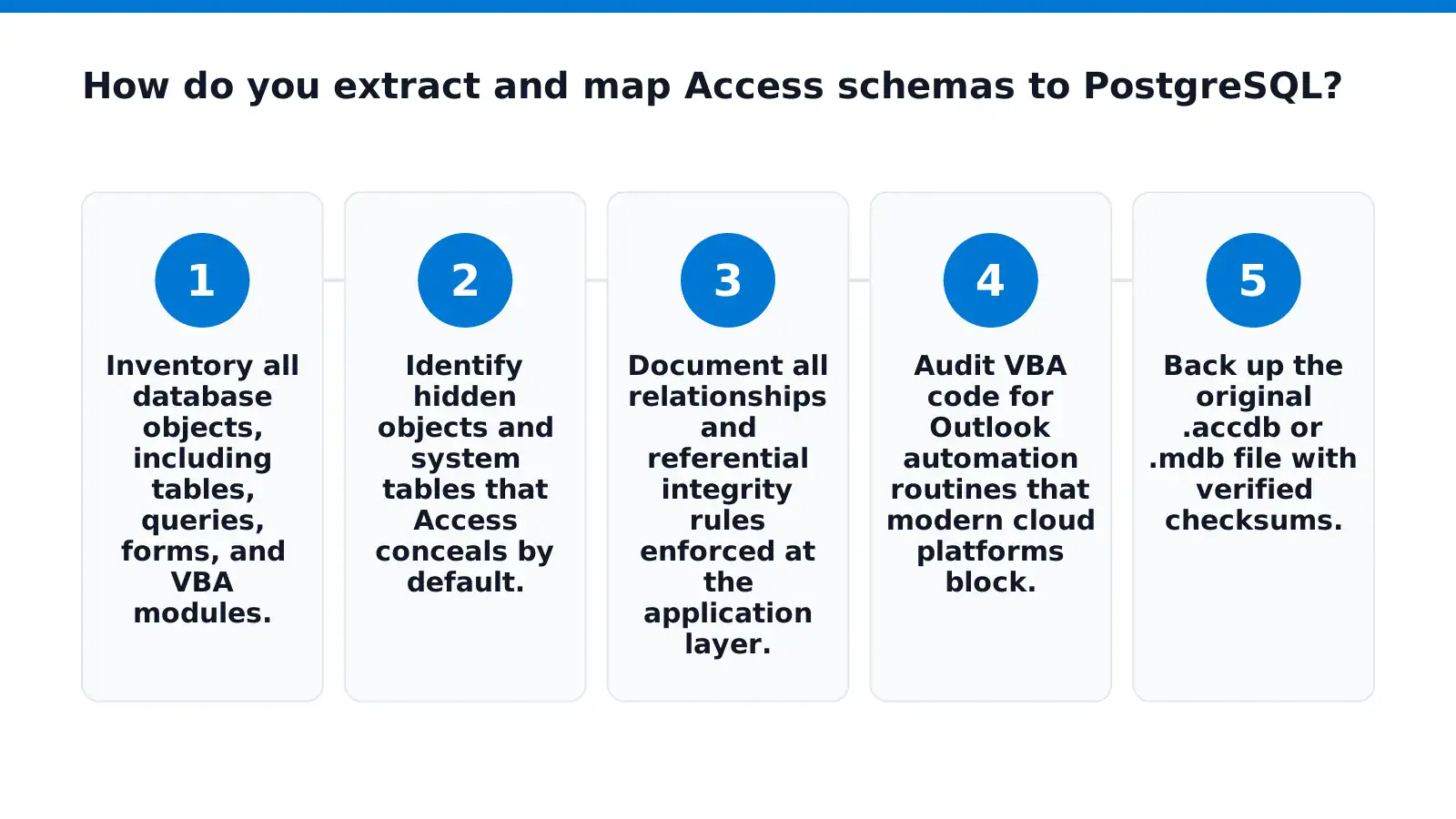
Complete these steps before extraction begins:
- Inventory all database objects, including tables, queries, forms, and VBA modules.
- Identify hidden objects and system tables that Access conceals by default.
- Document all relationships and referential integrity rules enforced at the application layer.
- Audit VBA code for Outlook automation routines that modern cloud platforms block.
- Back up the original .accdb or .mdb file with verified checksums.
Outlook automation in Microsoft Access, using VBA to generate notices, send invoices, or dispatch reports, is a common reason Access database migration projects stall. These routines fail silently in cloud environments. We flag them during the inventory phase so replacement logic is built before cutover.
How do you map Access data types to PostgreSQL equivalents?
Access data types do not map one-to-one with PostgreSQL. The conversion requires explicit mapping rules. Our Microsoft Access to PostgreSQL projects follow a tested mapping table that handles AutoNumber to SERIAL, Yes/No to BOOLEAN, and Memo to TEXT transformations. Currency types need precision checks. Attachment fields require separate blob storage planning.
What happens after schema extraction?
The extracted schema becomes the foundation for upsizing Microsoft Access to a production-grade backend. We validate the mapped schema against sample data loads before committing to full migration. For organizations evaluating Access to SQL Server alternative paths, PostgreSQL offers comparable relational integrity with lower licensing costs. Our LifeWatch PaceArt engagement demonstrated this pattern: a critical Access-based cardiac monitoring system migrated to .NET and SQL Server, improving maintainability and scalability for over 50,000 patients worldwide.
Schema extraction is the make-or-break phase. Rushing it guarantees rework. Our migration assessment methodology catches structural issues before they become production failures.
What are the step-by-step migration steps for data loading?
Data loading from Microsoft Access to PostgreSQL follows a structured sequence. The process moves tables, queries, and relationships into a modern engine without data loss or schema corruption. Organizations that skip prerequisites or rush the extraction phase introduce integrity errors that compound through every downstream system.
What prerequisites must be in place before loading data?
A clean source database is non-negotiable. We strip out temporary tables, orphaned queries, and deprecated forms before extraction begins. Our Microsoft Access Migration Strategy: Step 3 covers this table-by-table porting discipline in detail. The target PostgreSQL instance needs active credentials, sufficient storage, and network access from the migration workstation.
Access database migration demands a full schema inventory first. Missing a hidden dependency table breaks referential integrity silently. We verify every object before the first row moves.
How do we extract and transform the Access schema?
- Export the table definitions as DDL scripts using a schema extraction tool or ODBC driver.
- Map Access data types to PostgreSQL equivalents: TEXT replaces Memo, BOOLEAN replaces Yes/No, and SERIAL replaces AutoNumber.
- Convert queries to PostgreSQL views or functions, rewriting Access-specific functions like NZ() to COALESCE().
- Extract raw data to CSV or pipe-delimited files, one file per table, with UTF-8 encoding enforced.
What loading methods work for the target database?
Supabase provides three migration methods for PostgreSQL databases: a Google Colab guided notebook with a copy-paste workflow, a manual dump and restore process, and the native / utility pair. Each method suits different data volumes and downtime windows.
- Choose the loading method based on database size and acceptable cutover latency.
- Execute the bulk load using COPY commands or the selected Supabase migration path.
- Rebuild indexes and constraints after loading completes. Adding them post-load outperforms inline constraint checking by a wide margin.
- Validate row counts and checksums against the source Access database for every table.
Upsizing Microsoft Access to a cloud backend creates immediate performance gains. Query execution that once took minutes runs in seconds against indexed PostgreSQL tables.
How do we verify the migration succeeded?
We run a reconciliation script that compares record counts, null ratios, and foreign key chains between source and target. Any discrepancy triggers a targeted reload of the affected table.
How do you handle cutover and avoid common pitfalls?
A successful cutover demands a phased migration strategy with a rollback safety net. The most damaging pitfall is leaving legacy Access databases active for data retention, which creates security risks and audit failures. Keeping those vulnerable systems online violates data protection standards and exposes the organization to compliance penalties.
Our Access database migration engagements follow a structured cutover sequence that eliminates these risks. The process begins well before the final switch.
What is the safest way to decommission the old Access system?
The safest approach archives historical data into a read-only environment before shutting down the legacy application. Our Legacy Database Archiving Framework extracts, secures, and archives historical data into read-only Microsoft SQL Server or Azure environments. This preserves audit trails and regulatory records without keeping the vulnerable Access front end operational. The archive remains queryable for compliance teams while the production Access instance is fully decommissioned.
How do you validate data integrity during cutover?
Validation runs in parallel for a defined window before the final switch. We execute the cutover in four phases:
- Pre-migration audit: Catalog every table, query, form, and report in the Access application. Identify dependencies and orphaned objects that cause post-migration failures.
- Parallel run: Operate the new PostgreSQL or SQL Server environment alongside the legacy Access system for a minimum of two weeks. Compare output from both systems daily.
- Stakeholder sign-off: Require formal acceptance from each business unit owner before proceeding. No silent migrations.
- Read-only archival: Convert the legacy Access database to a read-only archive on SQL Server or Azure. The original Access file is then removed from production.
Organizations running business-critical Microsoft Access applications have three realistic architectural paths into Microsoft Azure. Hosting the full application in Azure Virtual Desktop preserves the existing interface. Migrating the database to Azure SQL modernizes the backend while retaining Access forms. Rebuilding the front end in Power Apps delivers a fully cloud-native replacement. Each path supports a different cutover cadence, and the right choice depends on application complexity and user tolerance for change.
FAQ
Is Microsoft Access being discontinued?
No. Access remains part of Microsoft 365, but older versions have reached end of support and new features are limited.
What makes PostgreSQL a stronger foundation than Access?
PostgreSQL delivers row-level security, over 40 extensions, and native JSON support. It enforces referential integrity at the engine level, eliminating entire categories of data corruption risk.
Why consider Supabase instead of self-hosted PostgreSQL?
Supabase builds on PostgreSQL as its core engine and adds authentication, instant APIs, and real-time subscriptions. It removes the operational burden of managing servers for teams wanting PostgreSQL’s power.
Conclusion
The decision to migrate from Access to PostgreSQL or Supabase rests on a clear trade-off: PostgreSQL delivers engine-level integrity and performance, while Supabase removes server management overhead. Both paths require the same disciplined schema inventory, type mapping, and phased cutover sequence. Organizations that follow the four-phase cutover process (audit, parallel run, stakeholder sign-off, and read-only archival) eliminate data loss risk and retire the legacy Access system without compliance exposure.