





Microsoft Access Modernization Framework: Enterprise AWS Migration with Prebuilt Playbooks
In today’s rapidly evolving technological landscape, modernizing legacy databases such as Microsoft Access is essential for organizations seeking to enhance efficiency, reliability, and scalability. This comprehensive guide will explore effective modernization strategies, covering essential practices, leading architectural options, and the tools that facilitate successful migration. As businesses face mounting pressures to optimize their data management processes, an effective modernization strategy can streamline operations and increase data accessibility. Notably, Help4Access has launched prebuilt, tiered migration playbooks specifically designed to streamline enterprise Microsoft Access migrations, addressing critical gaps left by AWS tools. While AWS Migration Hub and AWS Transform handle orchestration, and AWS Database Migration Service (DMS) moves data, these services do not handle the complex legacy logic embedded inside Microsoft Access forms, reports, and VBA code. Under the leadership of Sasha Froyland, Founder and Head of Engineering, Help4Access bridges this gap, offering a comprehensive solution tailored to enterprise portfolios containing 50+ Access applications. By addressing the key components of Microsoft Access modernization, this article aims to provide clarity on the best practices, tools, and technologies available to support a seamless transition.
The discussion will unfold across several critical sections, beginning with the fundamentals of legacy database modernization. We will then highlight best practices for migration and explore the various modern architecture options available. Following that, we’ll delve into the specific tools and technology stacks best suited to support these modernization efforts, including how Help4Access integrates with AWS services as part of a structured modernization methodology. Finally, we will illustrate successful case studies that exemplify effective modernization strategies.
What Are the Fundamentals of Legacy Database Modernization for Microsoft Access?
Legacy database modernization involves upgrading outdated systems, enhancing their responsiveness to contemporary business needs through various processes. Modernization for Microsoft Access focuses on addressing challenges such as limited scalability, support issues, and integration with new technologies. The fundamental importance of such modernization lies in its potential to enhance efficiency by streamlining data management processes, improving security measures, and ultimately boosting productivity.
One of the primary challenges in legacy database modernization is the migration of vast amounts of data while ensuring data integrity and minimizing downtime. This challenge is compounded when dealing with enterprise portfolios consisting of 50 or more Access applications, where AWS tools such as Migration Hub, Transform, and Database Migration Service (DMS) provide orchestration and data movement capabilities but do not address the intricate legacy VBA code, forms, and reports logic unique to Access. Help4Access fills this critical gap with tailored solutions that manage these complex legacy components, enabling deeper complexity assessments, portfolio-scale governance, and risk-mitigated execution.
Organizations may face obstacles such as outdated technology, insufficient documentation, and the need to retrain users on new systems. A well-structured modernization plan, enhanced by Help4Access’s purpose-built tiered migration playbooks, can help mitigate these risks by implementing strategic steps that prioritize data migration, application refactoring, and system integration.
For further reading on the challenges and methodologies in migrating legacy systems, consider the following research.
Legacy Data Migration: Methodologies and Techniques for Modern Systems
Many businesses which use mainframe systems are unreliable these days and are facing the problem of data inconsistency and inaccuracy. Moreover the costs incurred in maintaining these systems keeps on increasing. As the competitors are migrating over to the new technologies and tools available in the market, it is necessary for these businesses to migrate to new environment which is efficient, consistent and reliable to stay in the market and the technologies used in the current environment have become obsolete or no longer serve the business purpose. This report summarizes the various methodologies, procedures and techniques involved in successfully migrating the data to modern systems.Data migration from legacy systems to modern database, 2016
Which Proven Microsoft Access Migration Best Practices Optimize Modernization?
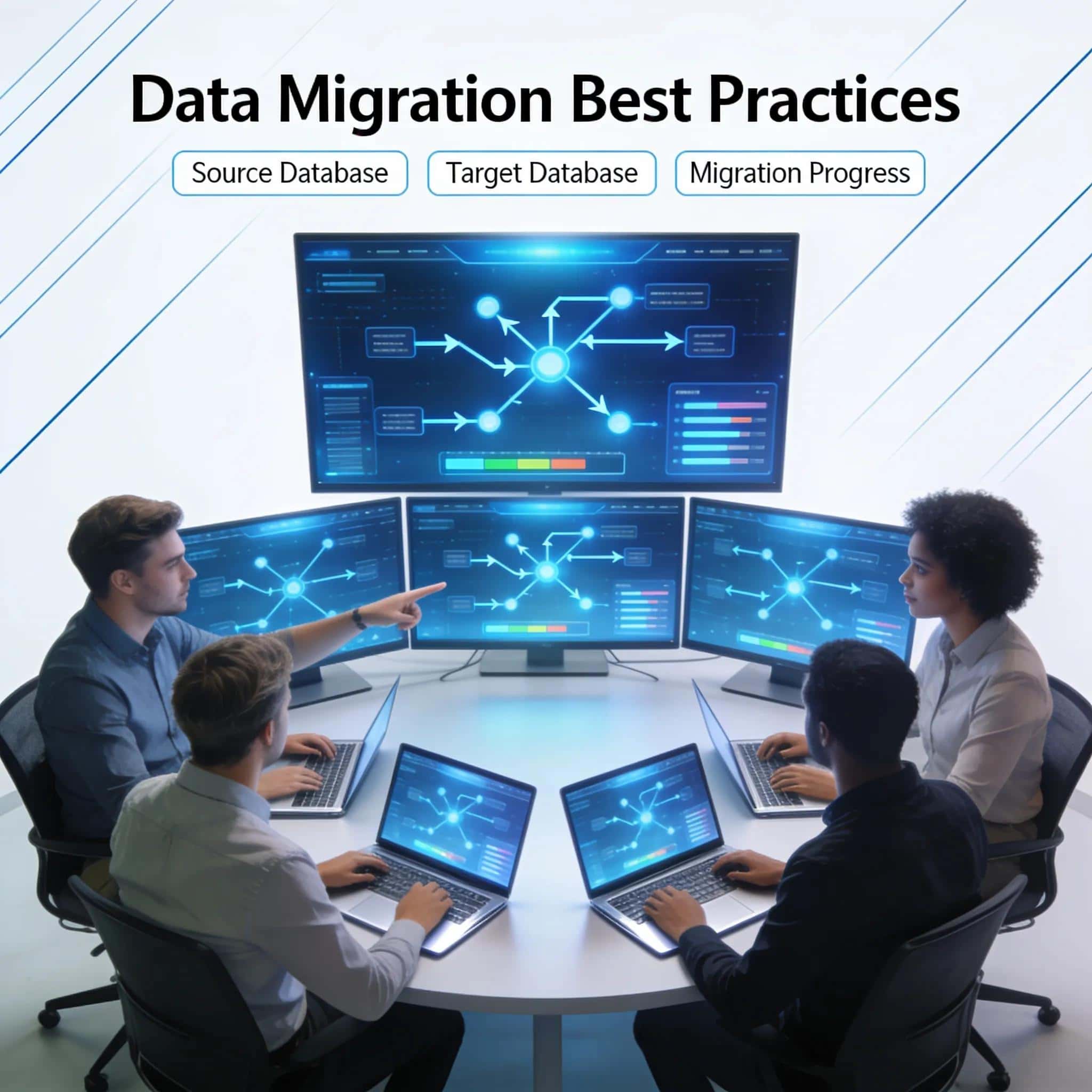
Transitioning from Microsoft Access to modern database platforms requires adherence to established best practices for efficient and effective migration. Employing iterative migration techniques not only minimizes disruption but also enhances the overall outcome of the project. Help4Access’s tiered prebuilt migration playbooks exemplify best practices by delivering predictable, low-risk modernizations, complete with portfolio-scale governance and deep complexity assessments tailored for enterprise Access portfolios.
Key best practices include:
- Stepwise Migration Techniques: Breaking the migration process into manageable phases allows organizations to focus on one segment at a time, reducing complexity and risks associated with large-scale migrations.
- Importance of Code Refactoring: Adjusting and optimizing the database code ensures compatibility with modern systems and processes, improving performance and maintainability. By refactoring code before migration, earlier issues can be addressed proactively.
- Common Pitfalls and Avoidance Strategies: Recognizing potential pitfalls, such as inadequate staff training or a lack of user engagement, can help organizations avoid costly mistakes. Comprehensive planning and stakeholder involvement are crucial to ensure a successful transition.
Integrating products and services related to Microsoft Access modernization can significantly enhance these practices. Approved tools provide essential support in areas such as code refactoring and automated testing, ensuring a smooth transition to modern platforms.
What Are the Stepwise Migration Strategies for Access Applications?
Effective stepwise migration strategies encompass several critical phases: assessment, planning, implementation, and validation. The assessment phase involves evaluating the current Access database to identify necessary changes and dependencies. During planning, organizations devise a tailored roadmap that includes timelines and resources required for each migration step.
Help4Access’s methodology integrates seamlessly with AWS Migration Hub and AWS Transform for orchestration and AWS Database Migration Service (DMS) for data movement, ensuring a comprehensive and coordinated migration process. Meanwhile, Help4Access independently manages the legacy Access-specific logic, including forms, reports, and VBA code, which AWS native tools do not handle. Implementation involves executing the migration based on the established roadmap, ensuring that each phase is followed carefully. Validation confirms that each segment of the migration meets specified criteria, enabling adjustments as needed. This iterative approach ensures a comprehensive migration while minimizing disruptions to business operations.
How Does Code Refactoring Enhance Migration Success?
Code refactoring plays a pivotal role in the success of Microsoft Access migrations, as it ensures that the existing application is compatible with the new system and architecture. By optimizing the underlying code and reducing technical debt, refactoring increases the chances of a seamless transition. This elimination of technical debt through structured refactoring is central to Help4Access’s approach and addresses critical legacy logic challenges that AWS tools cannot automate.
For more on how reverse engineering and model building can overcome challenges in analyzing Microsoft Access projects, consider the following.
Analyzing Microsoft Access Projects: Reverse Engineering for Modernization
Due to the technology evolution, every IT Company migrates their software systems at least once. Reengineering tools build system models which are used for running software analysis. These models are traditionally built from source code analysis and information accessible by data extractors (that we call such informationobservable). In this article we present the case of Microsoft Access projects and how this kind of project is partially observable due to proprietary storing formats. We propose a novel approach for building models that allows us to overcome this problem by reverse engineering the development environment runtime through the usage of Microsoft COM interface.
Analysing microsoft access projects: Building a model in a partially observable domain, S Bragagnolo, 2020
Moreover, like any other significant change, proper code refactoring reduces risks associated with migration. It allows organizations to eliminate redundancies, rectify inefficiencies, and realign the codebase with modern paradigms. Examples of successful refactoring practices include applying design pattern principles and employing automated testing frameworks to validate code changes systematically.
What Are the Leading Modern Database Architecture Options for Access Modernization?
When considering modernization, organizations face various architectural options that can support their transformation goals. Two primary architectures include cloud-based solutions and hybrid architectures that combine on-premise resources with cloud services. Cloud platforms like SQL Server and Microsoft Azure provide enhanced scalability, advanced analytics, and improved data accessibility through secure channels.
Adding to these options, AWS serves as a leading cloud target for modern Microsoft Access deployments, enabling organizations to scale securely and leverage a comprehensive suite of services. The end goal of modernization includes eliminating technical debt and achieving scalable, secure operations on AWS. Help4Access plays a critical enabling role in this transition by managing legacy complexities unique to Microsoft Access, thus facilitating smooth adoption of AWS architectures.
Organizations must also evaluate the integration capabilities each architecture offers. Modern architectures should seamlessly connect to existing applications and data sources to optimize workflows and ensure interoperability. Employing a microservices architecture can facilitate this integration, allowing organizations to adapt their systems dynamically as business needs evolve.
Which Tools and Technology Stacks Best Support Microsoft Access Modernization?
Identifying appropriate tools and technology stacks is crucial to ensuring a successful Microsoft Access modernization initiative. A range of tools exists to support various aspects of migration, from data extraction to application modernization. A systematic comparison of these technologies is fundamental for selecting the right solutions.
Help4Access complements these tools by handling the legacy Access logic—including complex forms, reports, and VBA code—which AWS native services do not cover. Using these tools effectively, combined with Help4Access’s tiered playbooks and structured methodology, can optimize the migration process while reducing potential risks associated with data loss or application failures.
Integrating advanced technology stacks results in the long-term success of modernization efforts. Consider solutions that align with the organization’s infrastructure, goals, and resources while providing flexibility to adapt.
How Do Case Studies Illustrate Successful Strategic Microsoft Access Modernization?

Case studies serve as a valuable resource for organizations undertaking Microsoft Access modernization. They demonstrate real-world examples of successful transitions, offering insights into best practices, challenges faced, and strategies deployed. Help4Access, led by Sasha Froyland, has delivered successful modernizations for enterprise clients with large portfolios of Access applications. Their methodology includes deep complexity assessments, portfolio-scale governance, and risk-mitigated execution, leading to the elimination of technical debt and secure deployments on AWS.
Common results from successful modernization efforts include increased operational efficiency, improved data accuracy, and enhanced user satisfaction. Additionally, the lessons learned from these real-world scenarios can guide best practices and ensure that organizations minimize risks throughout their migration journey.
By examining these diverse implementations, organizations can adapt their strategies effectively, drawing upon proven techniques that resonate with their unique business contexts.