





The Complete Guide to Microsoft Access Migration for Modern Platforms (2026)
By Sasha Froyland, Help4Access
As organizations aim to improve their operational efficiency, migrating legacy systems like Microsoft Access to modern platforms becomes crucial. This guide provides comprehensive insights into the strategies and tools required for successful migration in 2026. Readers can expect a detailed exploration of the benefits of migration, effective tools available, and best practices informed by current industry standards. Businesses often struggle with outdated database systems that hinder performance and scalability. Transitioning to modern database solutions can resolve these issues, enhancing data accessibility and integrity. This article will cover the key advantages of migration, pre-migration assessments, proven strategies and technologies, and post-migration best practices.
What Are the Key Benefits of Migrating Microsoft Access Databases in 2026?
Migrating Microsoft Access databases to modern platforms provides significant advantages that can redefine business processes. These benefits include enhanced performance, improved data security, and increased operational efficiency. With the shift towards cloud-based solutions, organizations can leverage advanced features that were not possible with traditional Access databases. This transition not only resolves various limitations of legacy systems but also opens up new opportunities for growth and innovation.
How Does Migration Improve Business Process Efficiency and ROI?
Migration improves business process efficiency by streamlining workflows and enhancing data accessibility. With modern platforms, businesses can automate routine tasks and utilize real-time data analytics to drive decision-making. For instance, companies migrating to SQL server environments often report increased operational efficiency within the first few months post-migration. This leads to higher return on investment (ROI) as resources are allocated more effectively, allowing organizations to focus on strategic initiatives and growth rather than maintaining outdated technology.
Why Modern Cloud and SQL Server Platforms Are Essential for Legacy Access Systems
Modern cloud and SQL Server platforms are essential for organizations looking to upgrade their legacy Access systems. These platforms offer scalability, allowing businesses to grow without the constraints of outdated infrastructure. Moreover, they provide advanced security measures, including encryption and access controls, protecting critical data from threats. Cloud solutions facilitate remote access, ensuring that teams can collaborate seamlessly regardless of location. This combination of benefits is instrumental in future-proofing the organization’s operations.
How Do You Conduct a Comprehensive Pre-Migration Assessment for Microsoft Access?
A comprehensive pre-migration assessment is crucial in understanding the complexity and viability of migrating a Microsoft Access database. This assessment involves evaluating the current system’s architecture, data volume, and user access patterns to identify potential challenges. By meticulously examining these factors, organizations can create a tailored migration strategy that minimizes disruptions and enhances data integrity throughout the process.
Which Criteria Determine Legacy Access Database Complexity and Migration Feasibility?
Several criteria determine the complexity of a legacy Access database and its migration feasibility. These include the database structure, data volume, and user access patterns. For instance, complex queries and multi-user environments often warrant a more extensive assessment to ensure a smooth transition. Understanding these criteria helps organizations develop a migration plan that addresses specific challenges, ensuring data integrity and system functionality post-migration.
What Tools and Methodologies Support Effective Legacy System Evaluation?
Effective evaluation of legacy systems employs a mix of tools and methodologies aimed at thorough data analysis and stakeholder engagement. Key methodologies include SWOT analysis to assess strengths and weaknesses, and tools such as data profiling software to identify patterns and anomalies in databases. Engaging with stakeholders throughout the evaluation process ensures that user needs and business objectives are recognized and incorporated into the migration strategy.
What Are the Proven Microsoft Access Migration Strategies for SQL Server and Cloud Platforms?
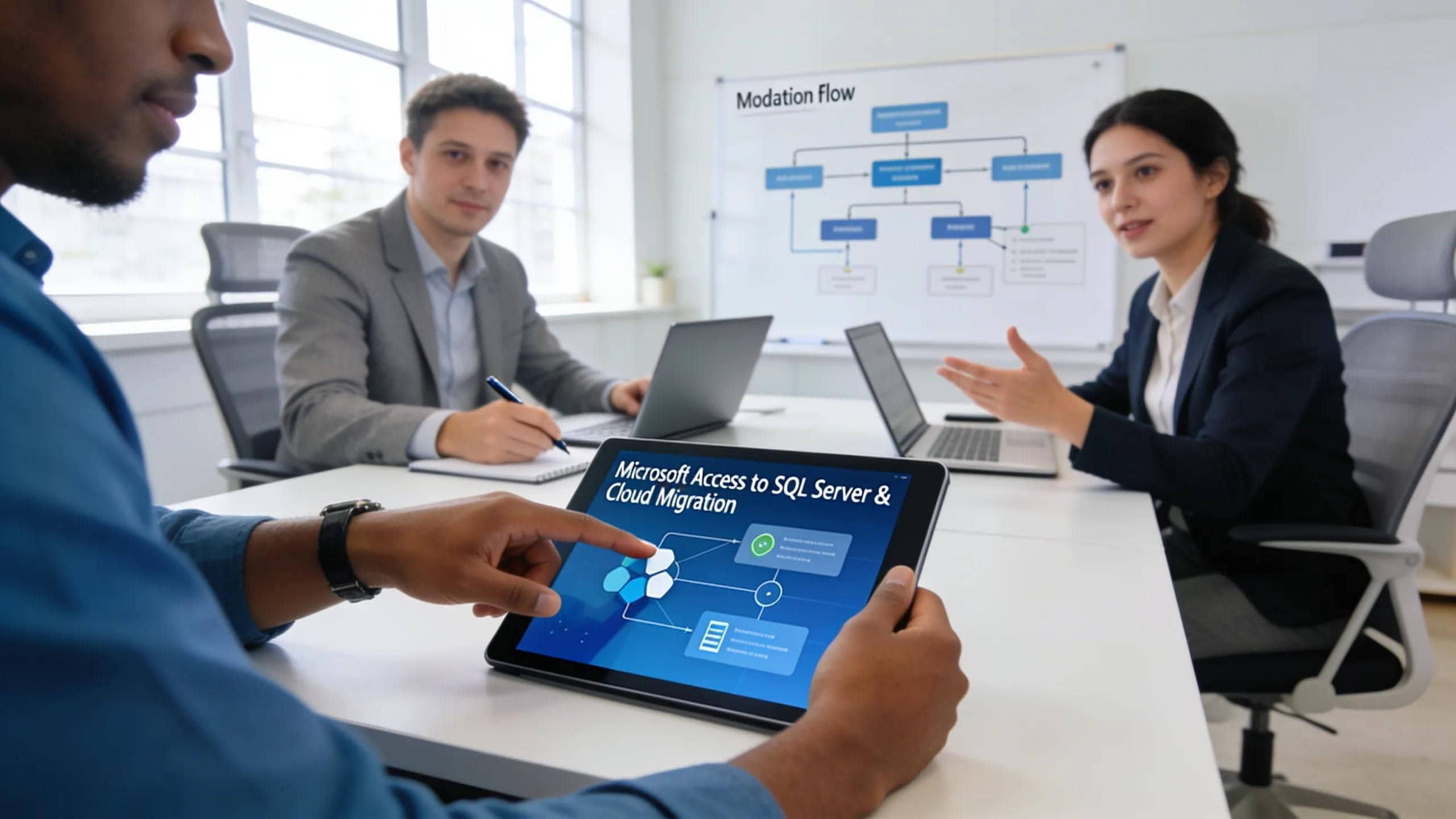
Organizations have implemented several proven migration strategies when transitioning from Microsoft Access to SQL Server and cloud platforms. These strategies encompass automated migration tools, phased migration approaches, and hybrid models that optimize data transfer and reduce downtime. Emphasizing these strategies ensures a managed transition with minimal business disruption, safeguarding critical data throughout the process.
How Does Automated Migration Tooling Accelerate SQL Server Migration?
Automated migration tooling significantly accelerates SQL Server migration by simplifying the data transfer process and minimizing human errors. Tools can automatically map relations, data types, and schemas, often leading to migration timelines being reduced. This acceleration is particularly beneficial as it allows organizations to focus on immediate operational needs rather than prolonged data transfer processes. To facilitate this, comprehensive Microsoft Access migration consultations are crucial.
What Are Hybrid and Cloud-First Migration Options for Access Databases?
Hybrid and cloud-first migration options allow organizations to balance between on-premise and cloud solutions. These models offer flexibility and scalability tailored to business needs, enabling businesses to retain some systems locally while leveraging the cloud for enhanced capabilities. The cloud-first approach also enhances accessibility, allowing employees to access data from any location, thus improving collaboration and responsiveness. This allows for a more streamlined access database modernization process.
Which Microsoft Access Migration Tools and Technologies Deliver Optimal Results in 2026?
Selecting the right tools and technologies for Microsoft Access migration is critical for achieving optimal results. Organizations should look for tools that provide features tailored to their specific migration needs, ensuring compatibility and data integrity during the process. The technological landscape has evolved with numerous options available that cater to varying complexity levels of legacy systems.
What Features Should You Evaluate in SQL Server Migration Tools?
When evaluating SQL Server migration tools, consider features such as data mapping capabilities, real-time synchronization, and user-friendly interfaces. Effective tools should also have robust error handling and reporting functionalities, ensuring that any issues during migration are promptly flagged and addressed. These features collectively enhance the chances of a successful migration.
How Do Cloud Database Platforms like Azure Enhance Migration Outcomes?
Cloud database platforms, such as Microsoft Azure, enhance migration outcomes by providing integrated support for scalability, data security, and performance optimization. Azure’s built-in analytics tools enable organizations to gain insights into data usage and storage optimization post-migration. Furthermore, its compliance and governance capabilities assist companies in maintaining regulatory conformity throughout their operations.
What Are the Most Common Challenges in Access Database Migration and How Can They Be Mitigated?
Migrating Access databases can present several challenges, ranging from data loss to compatibility issues. Organizations need to acknowledge these challenges early in the migration process to devise effective mitigation strategies. This proactive approach not only minimizes risks but also ensures a smoother transition to modern platforms.
How to Minimize Downtime and Data Loss During Migration?
Minimizing downtime and data loss during migration can be achieved through careful planning and execution. Consider adopting phased migration strategies which allow parts of the database to be migrated gradually, thereby maintaining access to crucial systems. Regular backups must be performed to secure data, enabling restores if loss occurs during the transition.
What Compliance and Security Risks Must Be Managed in Legacy System Modernization?
Compliance and security risks during migration stem from inadequate handling of sensitive data and regulatory requirements. Businesses must implement robust data governance frameworks to ensure that data protection mandates are adhered to throughout the migration process. Training employees on security best practices during this transition can further mitigate risks associated with legacy system modernization.
What Post-Migration Best Practices Ensure Long-Term Success of Modernized Access Systems?
After migration, implementing best practices is essential for ensuring the long-term success of modernized database systems. These practices include ongoing support, performance monitoring, and user training. By fostering a culture of continual improvement, organizations can extract maximum value from their new database systems.
How to Implement Ongoing Support and Performance Monitoring?
Ongoing support and performance monitoring can be implemented through regular system audits and performance assessments. Establishing clear metrics and KPIs allows organizations to measure the efficiency and responsiveness of their new systems effectively. This sustained focus on performance ensures any issues are addressed promptly, minimizing operational disruptions.
Which Case Studies Demonstrate Successful Microsoft Access Migrations in 2026?

Exploring successful migration case studies reveals valuable lessons and best practices that can guide organizations through their own transitions. Analyzing different approaches and outcomes provides insights into effective strategies and tools, helping to refine future migration efforts.
What Lessons Can Be Learned from Enterprise-Level Access to SQL Server Migrations?
Enterprise-level migrations often face unique challenges due to scale and complexity. Lessons derived from these migrations emphasize the importance of comprehensive planning, stakeholder engagement, and resource allocation. Organizations can learn from the successes and pitfalls experienced by others, thereby enhancing their strategies for future migrations.
How Have Small and Mid-Sized Businesses Successfully Modernized Legacy Access Systems?
Small and mid-sized businesses have successfully modernized their legacy Access systems by carefully aligning their migration strategies with organizational goals. Many have leveraged cloud-based solutions to reduce costs and improve efficiency. Success often hinges on adopting agile methodologies, ensuring that they remain responsive to changing business environments and user needs.
How Can You Schedule a Professional Microsoft Access Migration Consultation and Support?
Scheduling a professional consultation for Microsoft Access migration is a vital step in the migration process. A structured approach helps organizations to efficiently transition from their legacy systems while minimizing risks. For personalized guidance and support, scheduling a discovery call is highly recommended, offering a direct path to professional assistance. Schedule your Microsoft Access migration consultation today.
What Is the Process to Book a Migration Discovery Call with Help4Access?
To book a migration discovery call with Help4Access, interested parties can visit the company’s website and fill out the designated consultation form. This straightforward process enables businesses to communicate their specific needs and preferences, ensuring that consultations are tailored to their unique contexts.
Which Support Services Are Available Post-Migration for Legacy Database Modernization?
Post-migration, Help4Access provides a range of support services including ongoing technical assistance, performance monitoring, and compliance guidance. These services are designed to help businesses navigate the complexities of their new systems and ensure continued success in their modernized environments.